Your pattern picks the vault
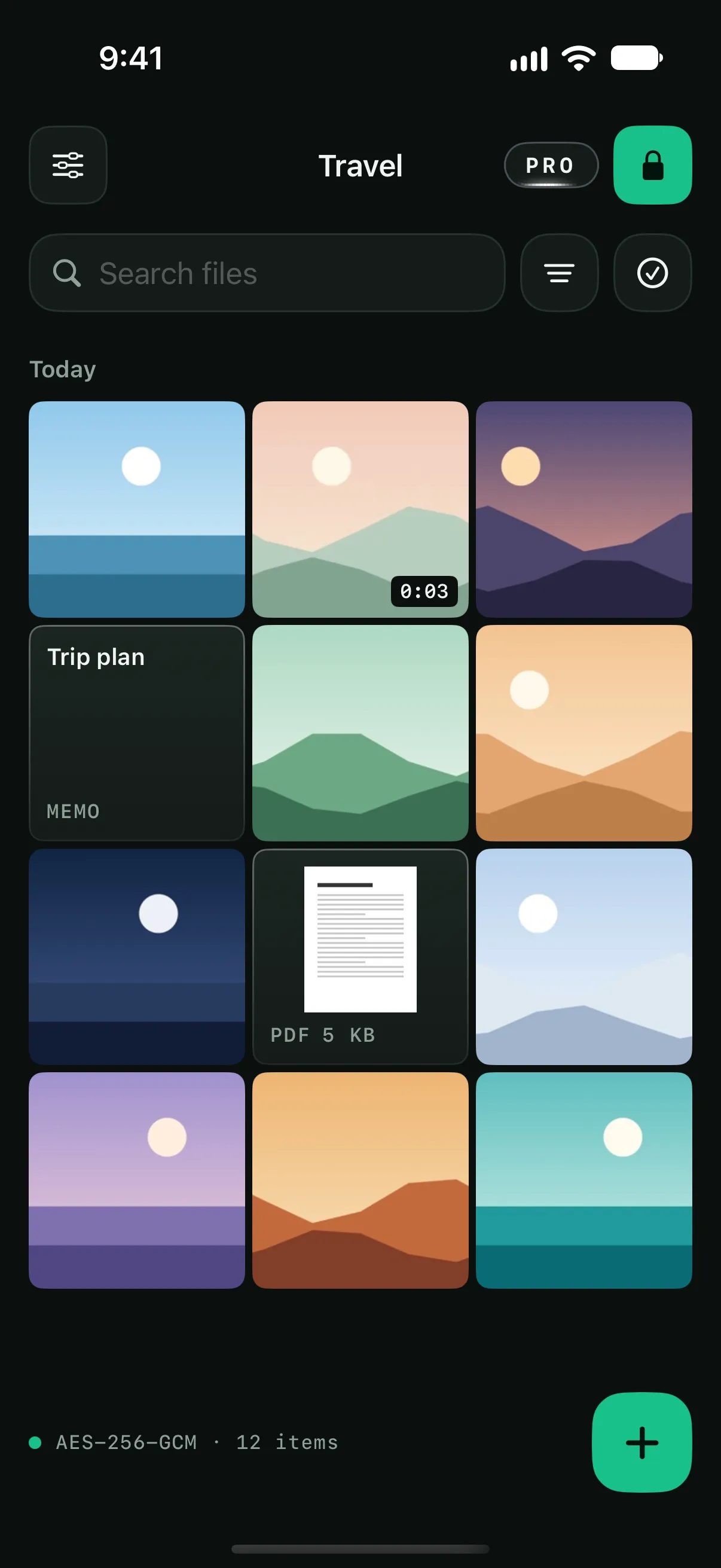
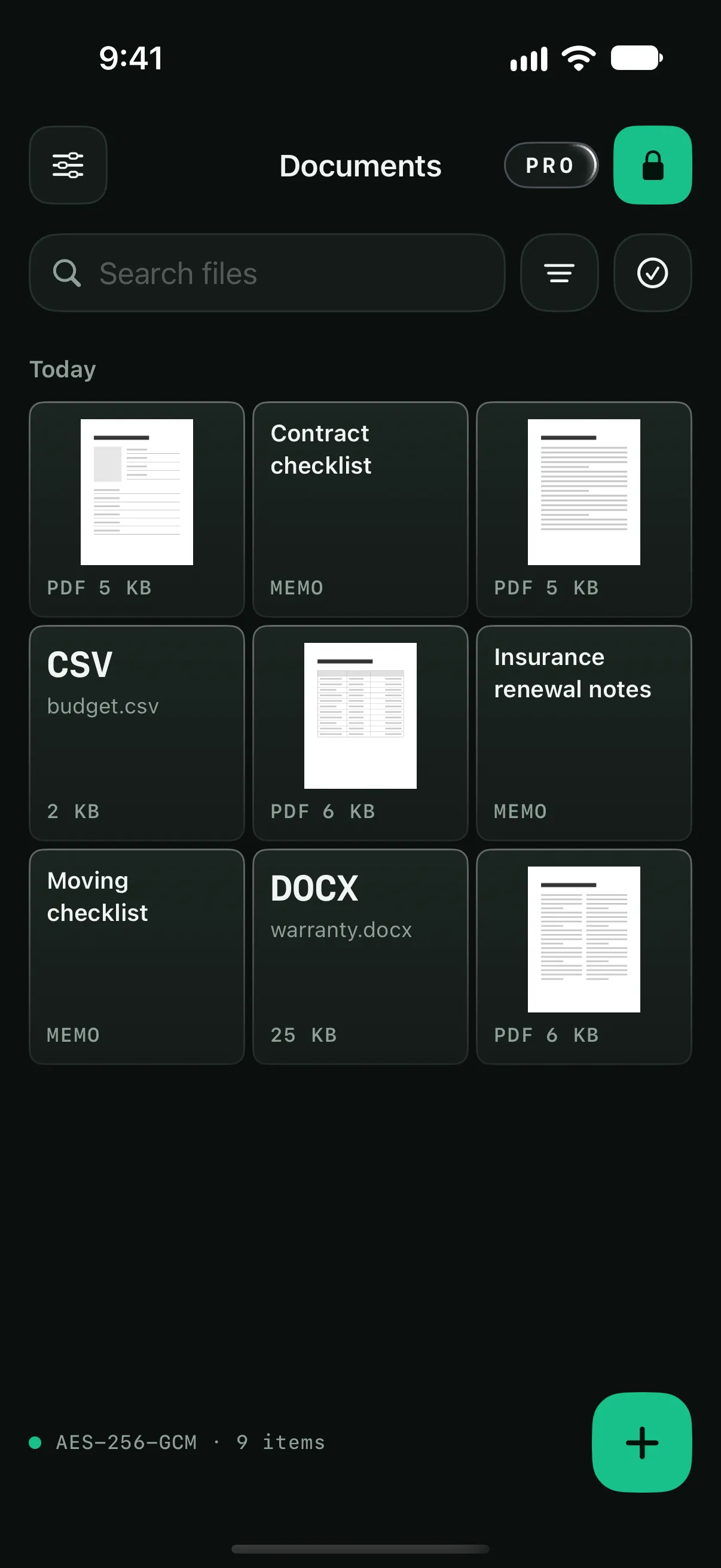
Draw a different pattern to open a different vault—no picker needed.
One app, a different vault per pattern.When asked to open it, draw another.
iPhone's Hidden album unlocks with the same passcode as your phone. Most lock apps show an error when a password fails—proving something is inside.
Open one vault to show. Keep the rest private.
| Compare | iPhone's Hidden album | Typical lock apps | Valton |
|---|---|---|---|
| Someone who knows your passcode | Can open it | Needs a separate app password | Needs a pattern too · a different vault per pattern |
| A wrong entry | — | Shows an error | An empty vault, no error |
| What's there, and how much | The album is visible (by default) | Albums and file counts are visible | No list |
| Screenshots and screen recordings | Captured as usual | Depends on the app | Black screen only |
| Account | — | Depends on the app | None |
Handing over your iPhone shouldn't mean exposing everything on it. Valton opens a separate local vault for each pattern with no vault list.
Draw a different pattern to open a different vault—no picker needed.
Valton keeps no list of vaults.
Draw the wrong pattern. No error pops up—just an empty vault.
Screenshots and screen recordings capture only a black screen.
Photos and videos you take skip the Photos app and are encrypted right in the vault.
Open your duress vault to show it. All other vaults are locked out—not erased, and reopenable only with their recovery phrase.
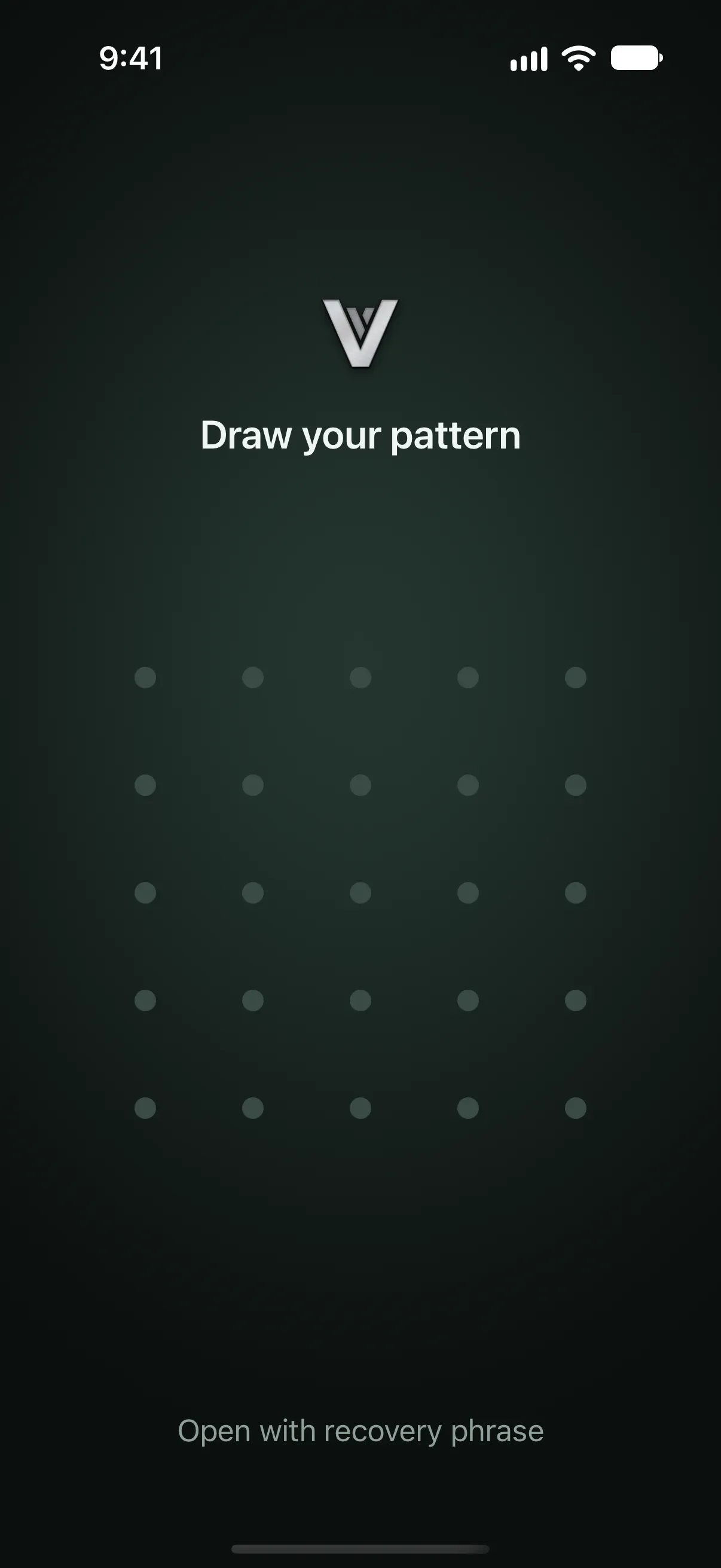
Connect at least six dots on a 5×5 grid. That pattern becomes the key to one vault.
Photos, videos, files, and notes are encrypted on this iPhone the moment you add them. Draw a different pattern to open a different vault.
Leave the app and it locks right away. To open it again, you need that vault's pattern or recovery phrase.
Built that way from the start.
// When a vault is created
// Your vault contents are encrypted on this iPhone. Backups only ever hold them encrypted, and the key never goes with them.
Join the list before launch and we'll email you a code for 3 months of Valton Pro on launch day.
Yes. The free plan includes up to 3 vaults and 10 files in total on your iPhone. Pro removes those limits and adds the duress vault, full vault export, and alternate Home Screen icons.
If you still know the pattern, open the vault and make a new phrase in Settings > This Vault > Recovery phrase. If you lose both the pattern and the phrase, no one can open the vault—including us.
Vault keys are bound to your iPhone's secure chip. A vault moved to a new iPhone through a backup opens there with its recovery phrase, not the pattern. Before you switch, see Settings > App Settings > Before Changing Phones in the app.
Choose weekly, annual (7 days free), or lifetime as a one-time purchase. The App Store shows prices in your local currency.